

Created by Danielle Laganiere - 5/3/21
Assignment:
Feature Page Navigation:
Supporting Code Files:
This lab utilizes the 3D cylinders previously produced in Lab 1, along with elements of WebGL to allow for the drawing of more complex scenes. In this case, the scene was created using a variety of cylinders and cubes, rotated, translated, scaled, and colored to represent a bookshelf. This lab also introduced the idea fo flat shading, which allows the objects to both appear more 3D and better describe the different faces.
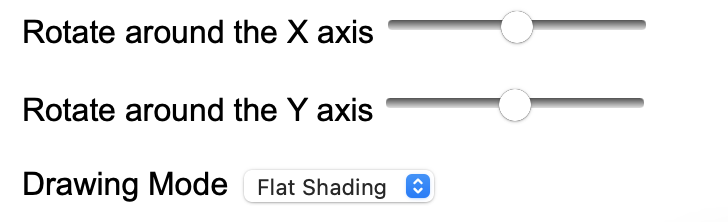
Rotating:
The first two sliding inputs allow the user to rotate the scene around the x and y axis.
This allows for the demonstration of the flat shading, as well as the inspection of certain visual details.
The scene will update automatically upon input change.
Drawing Mode:
Behind the scenes, everything within the figure is made with various triangles connecting points in space.
The drop down menu, titled "Drawing Mode" allows the user to determine the mode in which the scene is drawn
using those triangles. The default mode, "Flat Shading", shows the scene as it is meant to be: filled in with bold color and shading.
The second mode, "Wireframe", allows the user to see the colored outline of the figures, without the triangles filled in.
Once again, the figure is automatically updated upon input change.
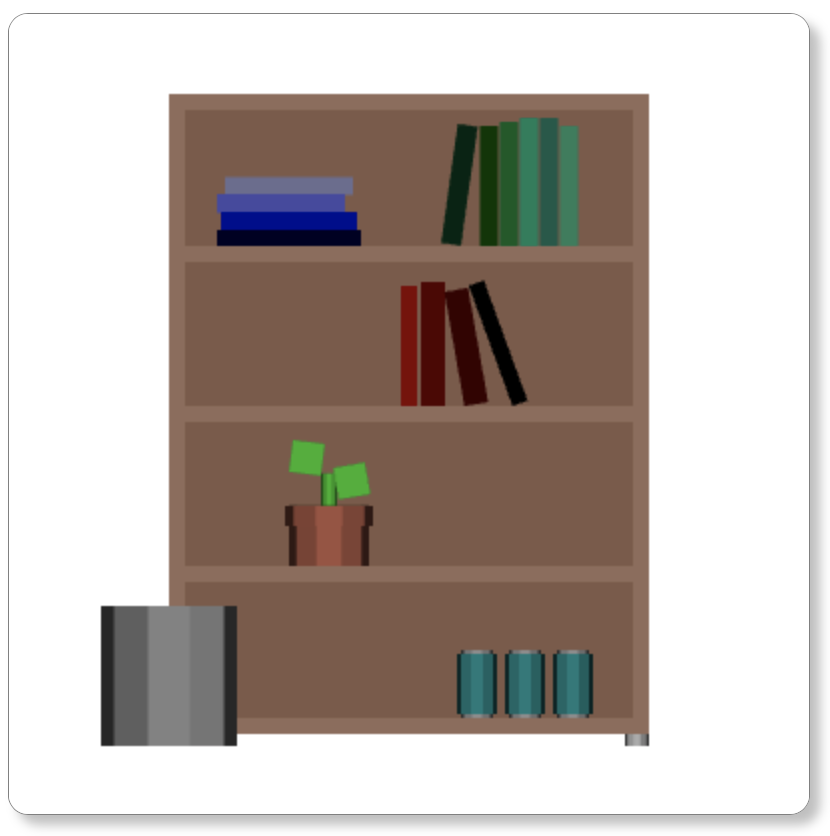
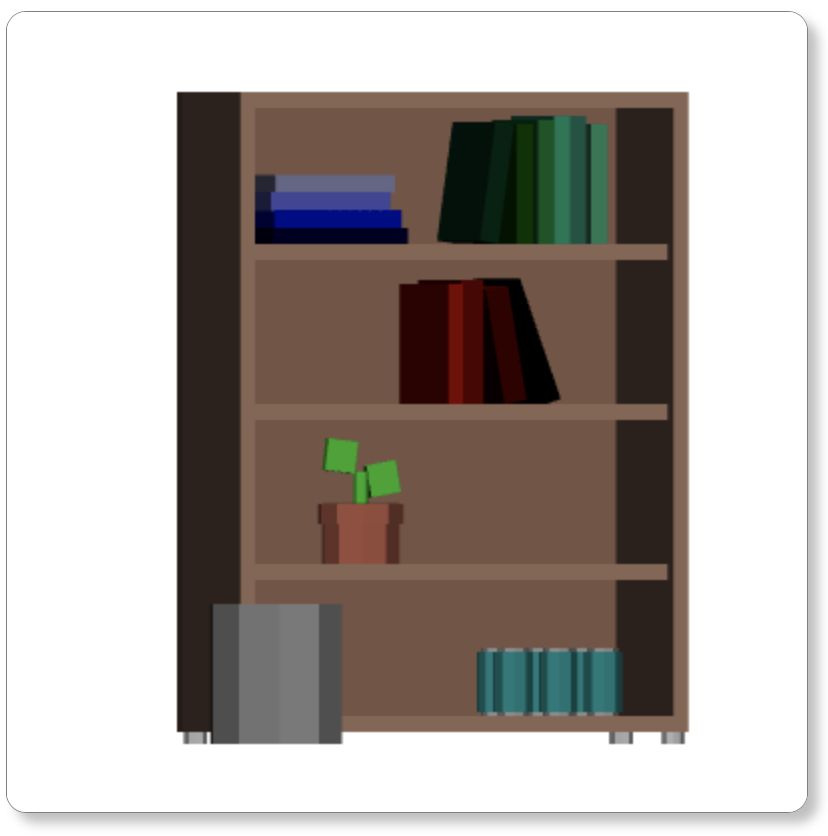
Shown above is the scene made using manipulated cylinders and cubes, which was created last lab. As seen, the bookshelf can be rotated around both the x and y axis. In this case, the scene is rotated a small amount around the y axis.