

Created by Danielle Laganiere - 5/23/21
Assignment:
Feature Page Navigation:
Supporting Code Files:
This lab builds on the previous labs in order to allow the user to interact with and navigate through a virtul world. The user is able to move around, point the camera in different directions, and zoom in in order to navigate through the world. In this case, the scene consists of a city block containing a street with a truck, a couple of buildings, and a pond in the back. In some portion, this scene is randomly generated: the truck color and size of the buildings are randomly generated each time the scene is loaded.
WASD:
In order to move around the world, WASD can be used. W and S allow the user to move forwards and backwards respectively. The user can also
look around to the left and the right using the A and D buttons, which then allow the user to walk forward in a new direction. This is the
main form of interaction with the world.
Sphere Rotating:
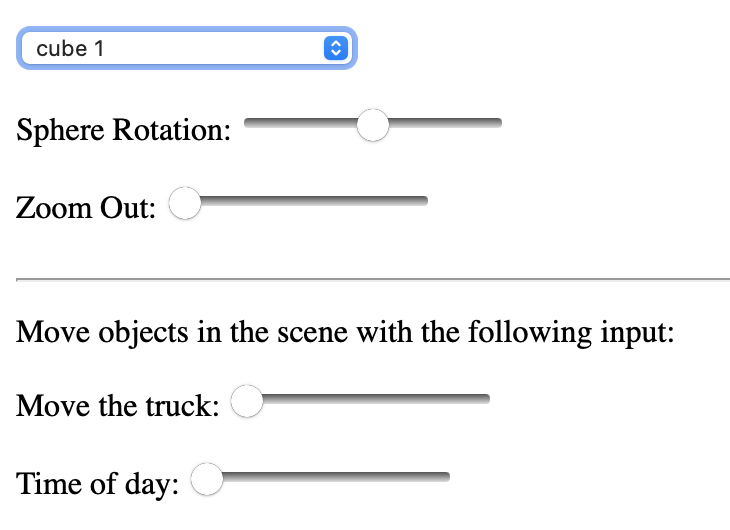
The first pull down menu allows you to select one object within the scene to rotate. The actual rotating can be
done using the slider labeled "Sphere Rotation". Some smaller cubes might be harder to see, but larger cubes, like "cube1" (which
forms the base of the scene), are much more obvious.
Zoom Out:
Although WASD is used to move around the world, this slider option can be used to zoom in and out, altering the
perspective the user can see. The zoom slider set at zero, aka the far left, gives the most realilistic view, and moving it to the
right can warp this view.
Move the Truck:
Using the slider, the truck seen in the scene can be moved across the road. It is limited to the edges of the scene's base,
but can be moved anywhere within those limits.
Time of Day:
Using the slider, the sun, which acts as the light source, can be rotated around the scene. The limits of the slider allow
it to make one full rotation around the world, acting as a full day.
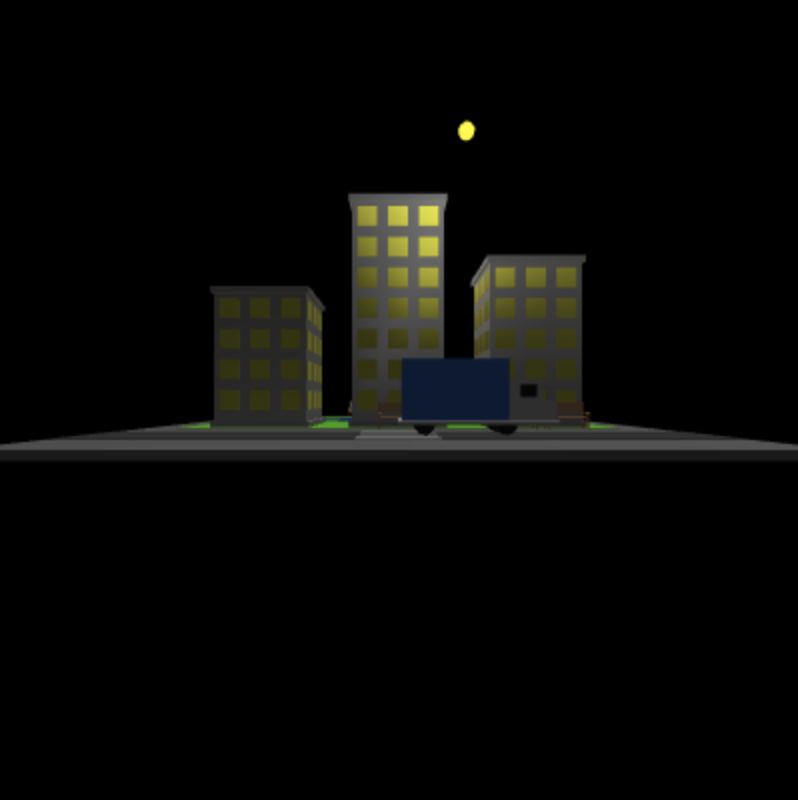
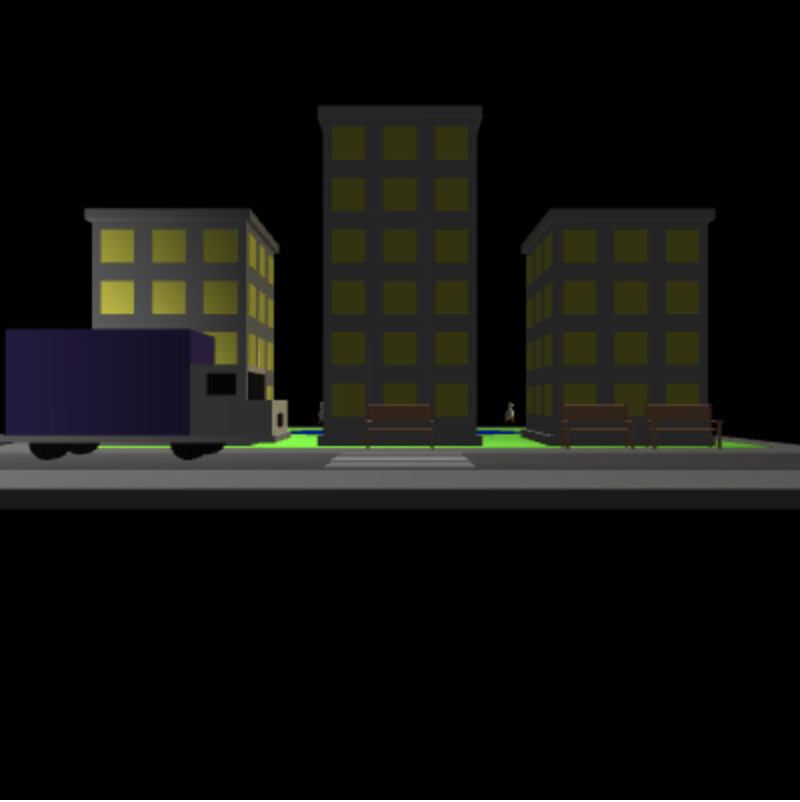
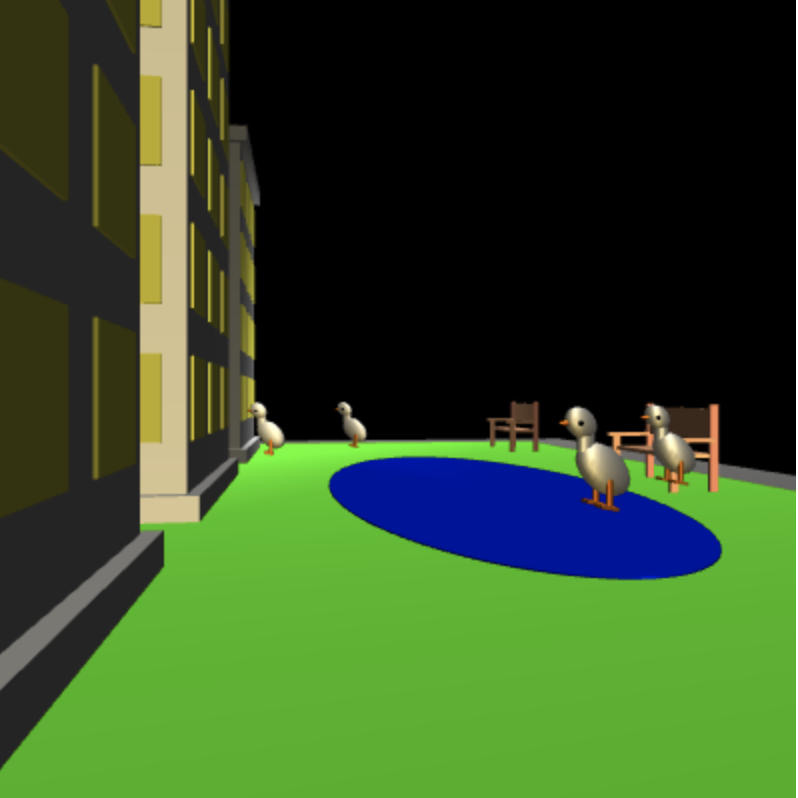
Shown above is the scene made up of hundred of objects orientated precisely. By using the various controls listed in the "Control" list above, the scene can be manipulated to move the sun, move the truck, and move the camera. Some examples of the scene are shown above.